

LTX 2.3 22B GGUF(16 GB VRAM): One-Click ComfyUI Installer
The latest LTX 2.3 22B model is here — bringing major improvements over LTX-2, especially in video stability, motion smoothness, and frame coherence. This release refines text-to-video and image-to-video generation with enhanced precision and significantly better temporal consistency.
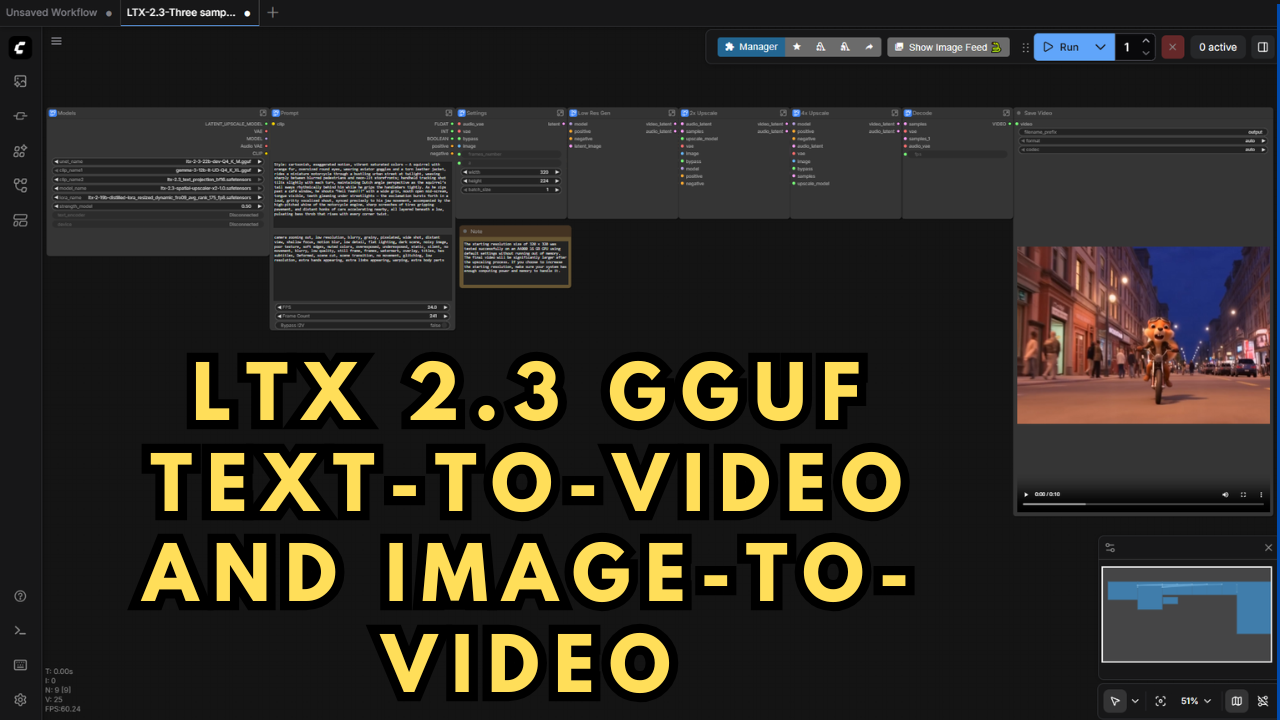
One of the biggest upgrades comes from a new three-sampler ComfyUI workflow I discovered on reddit — instead of just one. Two of the samplers perform an advanced 6x upscale across phases, dramatically improving detail and output quality while keeping generation times efficient. I made a few adjustments to the workflow so its runs the GGUF models instead of the diffusion models so it can actually be run on devices with less then 24 GB VRAM.
To make things even simpler, I've built a one-click Windows installer that automatically downloads, installs, and configures everything locally. This means no complicated setup — just run the installer, and you’re ready to generate cinematic AI videos directly from your PC.
Preloaded Models Within the Installer (Low VRAM)
ltx-2.3_text_projection_bf16.safetensors (ComfyUI\models\clip)
Hugging Face Linkgemma-3-12b-it-UD-Q4_K_XL.gguf (ComfyUI\models\clip)
Hugging Face LinkLTX23_audio_vae_bf16.safetensors (ComfyUI\models\vae)
Hugging Face LinkLTX23_video_vae_bf16.safetensors (ComfyUI\models\vae)
Hugging Face Linkltx-2.3-22b-dev-Q3_K_S.gguf (ComfyUI\models\unet)
Hugging Face Linkltx-2.3-spatial-upscaler-x2-1.0.safetensors Upscale model (ComfyUI\models\latent_upscale_models)
Hugging Face Linkltx-2.3-22b-distilled-lora-dynamic_fro09_avg_rank_105_bf16.safetensors LoRA (ComfyUI\models\loras)
Hugging Face Link
The standard LTX 2.3 22B checkpoint models (BF16, FP8) aren’t bundled within the installer, but you can easily grab them directly from Kijai’s official Hugging Face repository:
LTX-2 19B Diffusion Models - https://huggingface.co/Kijai/LTX2.3_comfy/tree/main/diffusion_models
Speed
You can generate 10-second 1280×896 text-to-video clips in around 10–15 minutes using an RTX A6000 (16GB VRAM). For image-to-video, expect similar results in roughly 15 minutes.
The workflow intelligently adapts to your system’s specs, allowing faster frame synthesis and 24fps+ output on high-end GPUs. The first pass begins at lower resolution and automatically upscales 6x in the final two sampling phases for ultra-detailed final renders.
System Requirements
NVIDIA RTX 30XX / 40XX / 50XX GPU (FP16 supported)
CUDA-compatible GPU (minimum 16GB VRAM, 24GB+ recommended)
Windows OS
Minimum 50GB free storage
What’s Included
Portable ComfyUI Windows Installer (pre-configured for LTX 2.3 text-to-video and image-to-video generation)
Automated model downloads and ComfyUI nodes setup
Optimized long-sequence video workflows for flexible generation
Designed for both beginners and advanced AI video creators
Usage Notes
Works seamlessly with LTX-2.3 22B GGUF (optimized for low VRAM).
Use rich, detailed text prompts to achieve more coherent motion and storytelling.
For image-to-video, start with high-resolution input images for best fidelity.
To tweak or expand the workflow, open the subgraph prompt node and use the upper-right arrow to adjust settings.